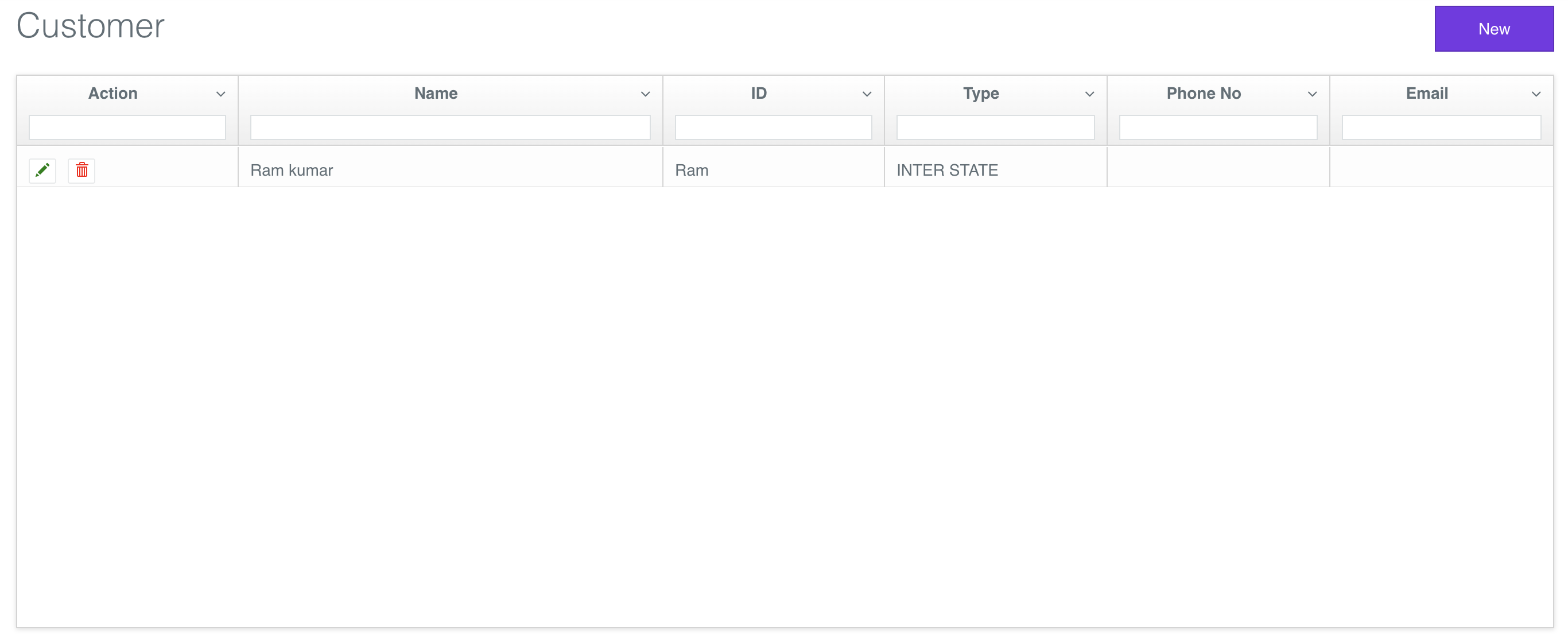
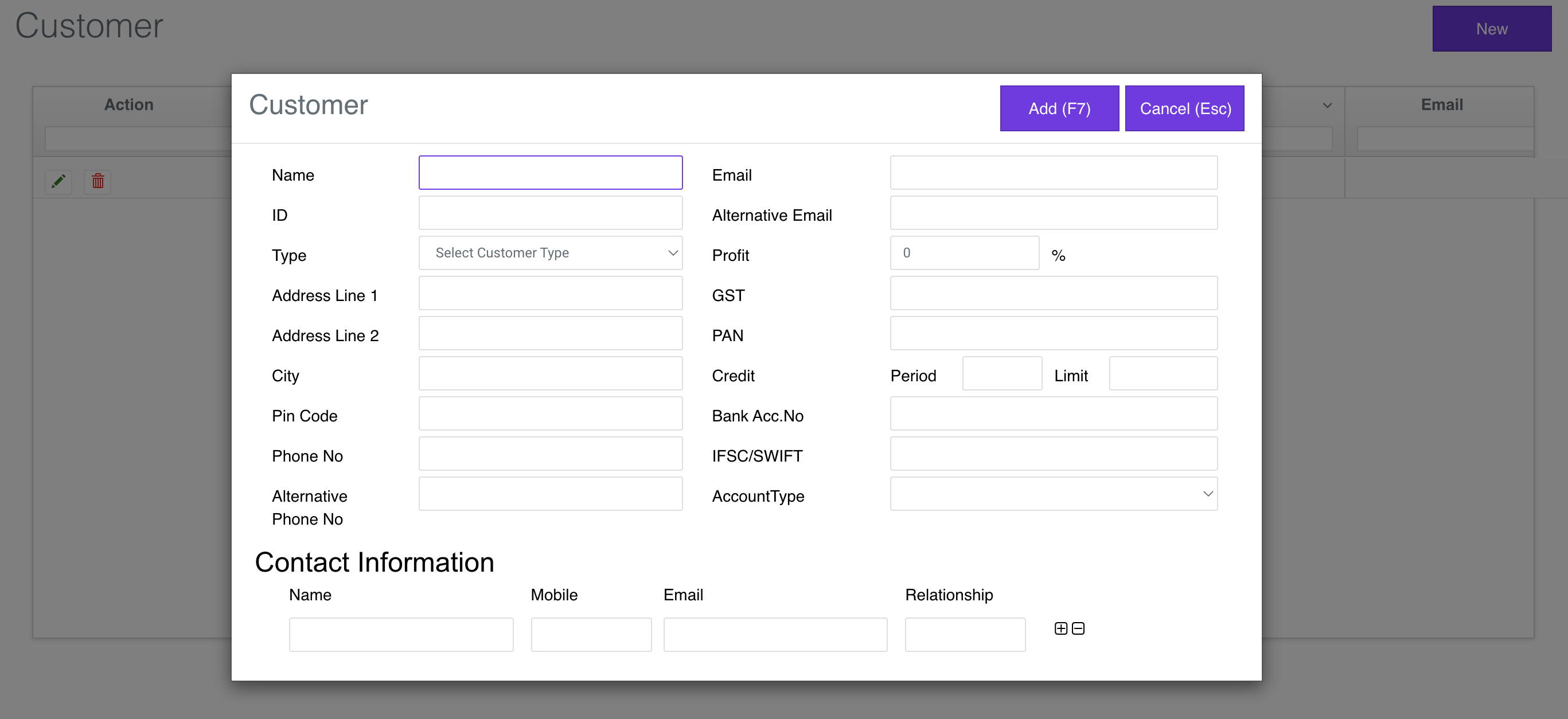
Enter Store Master Details
Go to https://v1-app.reecost.com and click
on Settings/Profile.
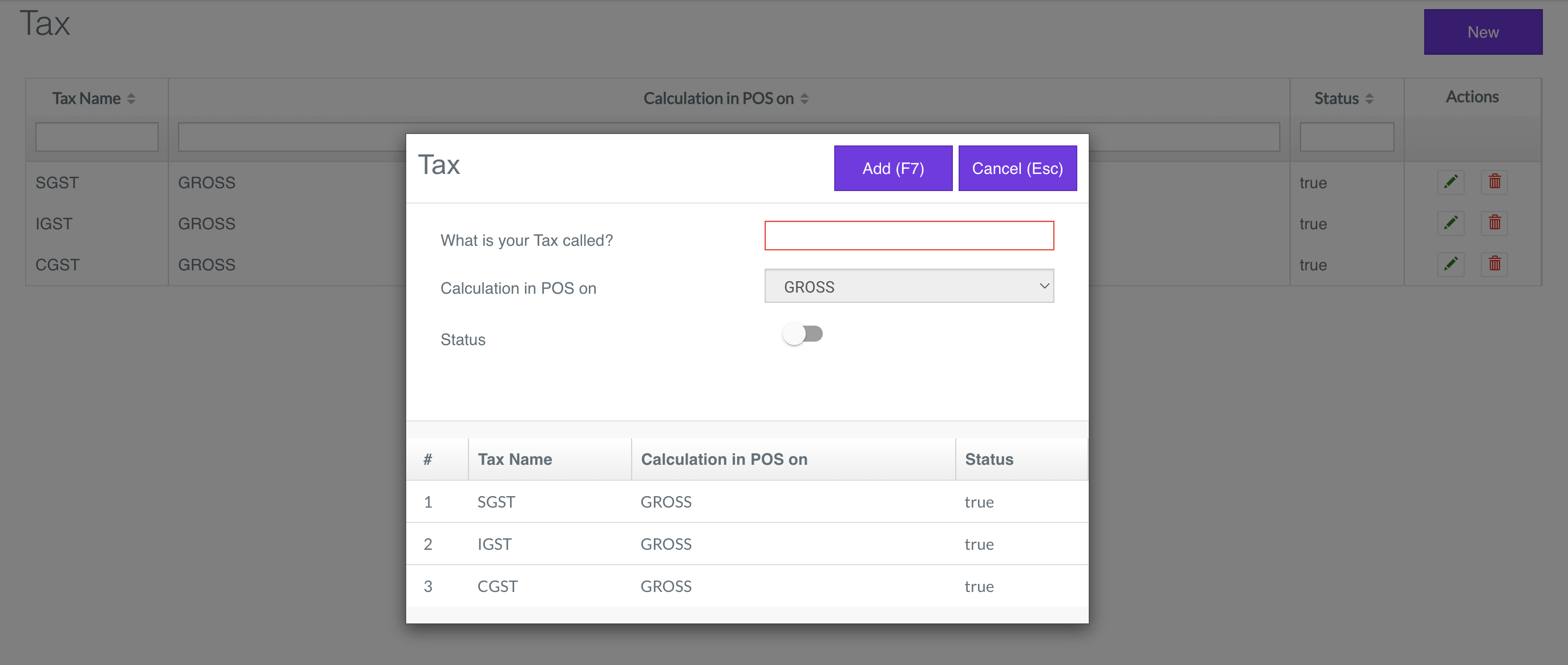
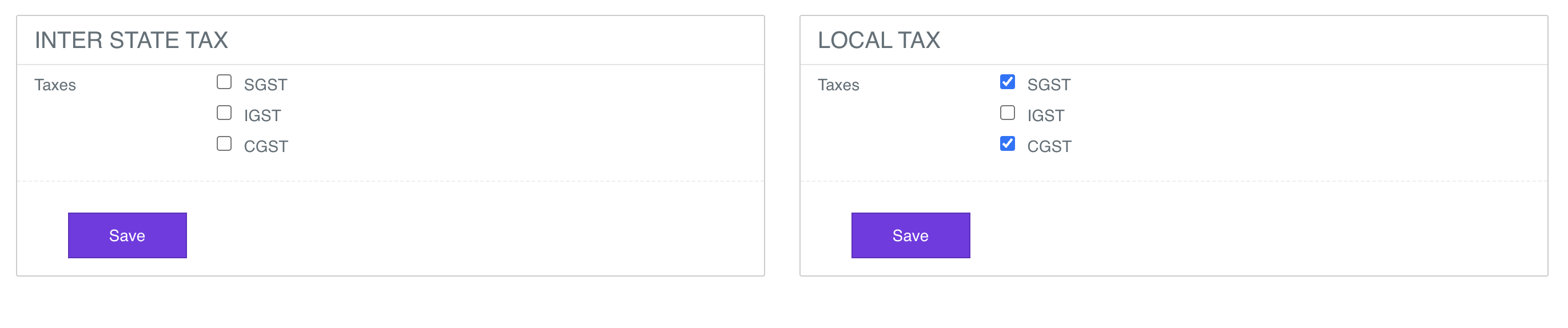
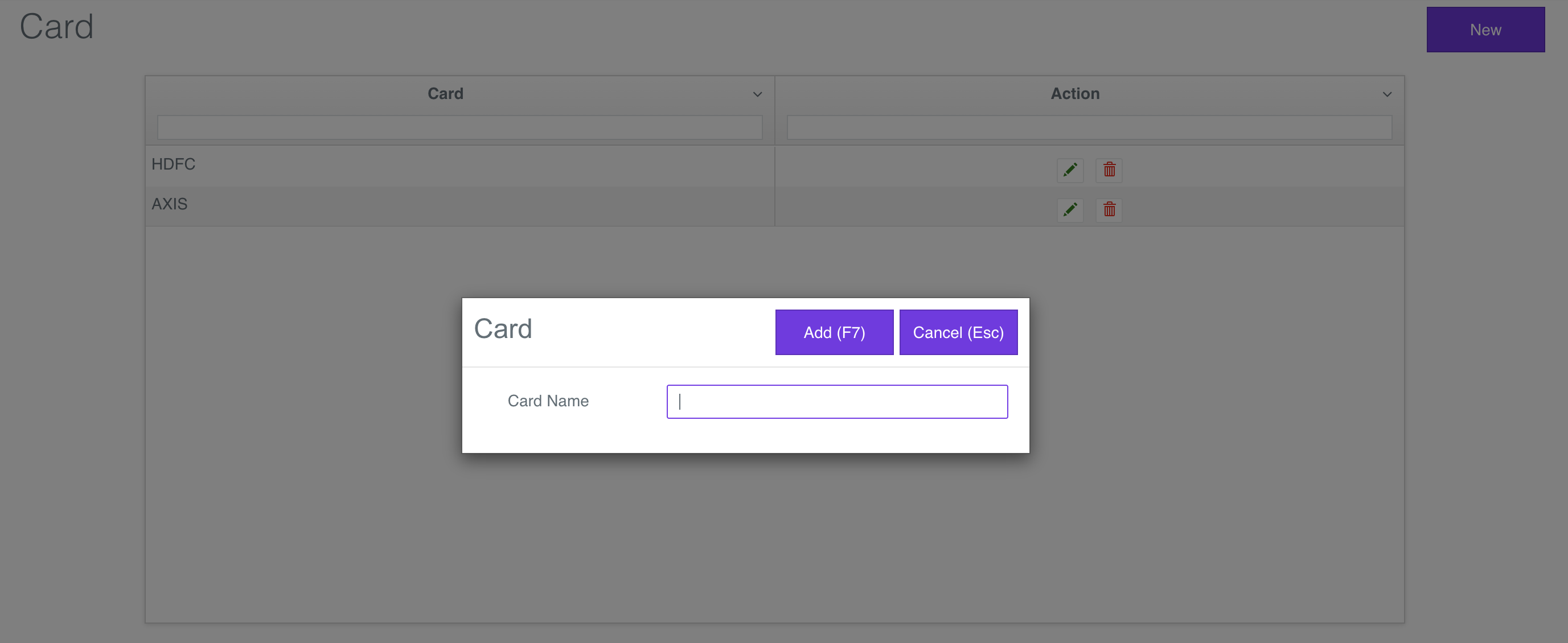
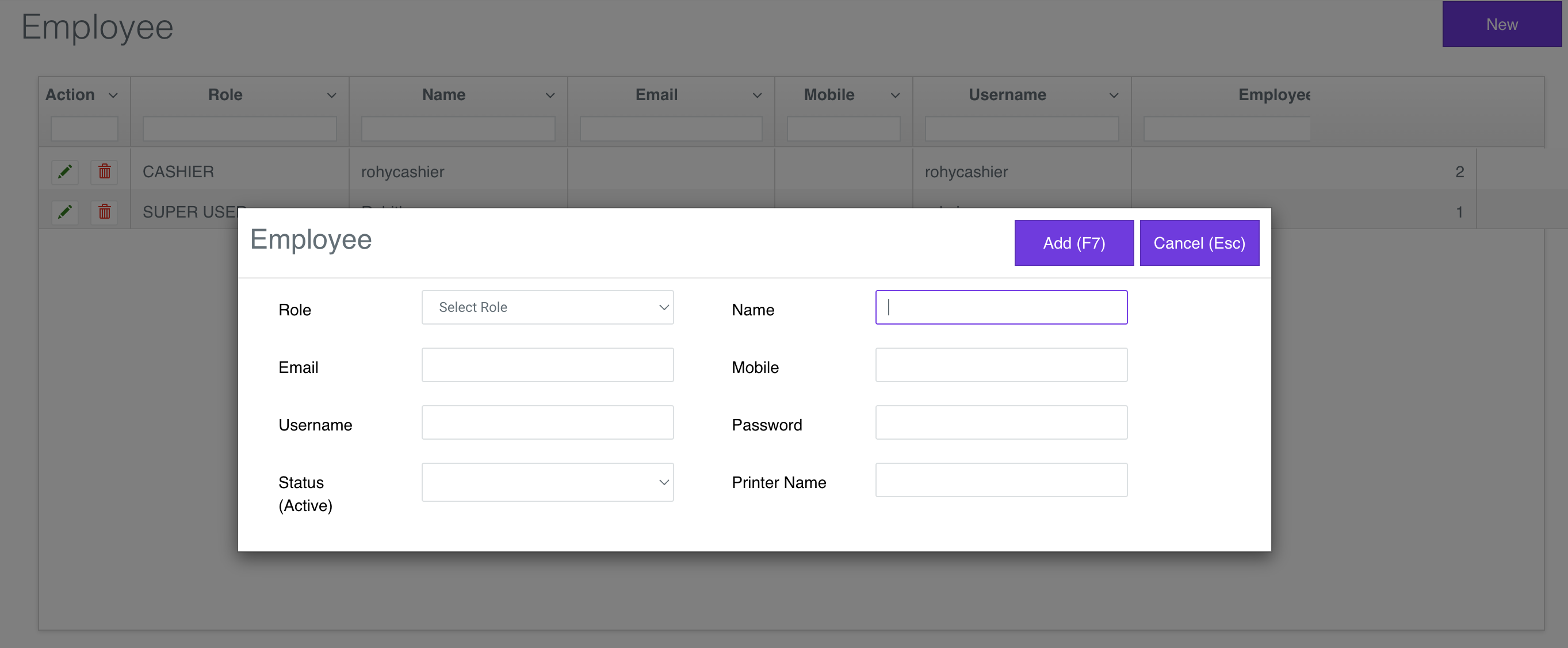
Use the Store Master Details to enter the Taxes, TaxGroup, Cards, Employees.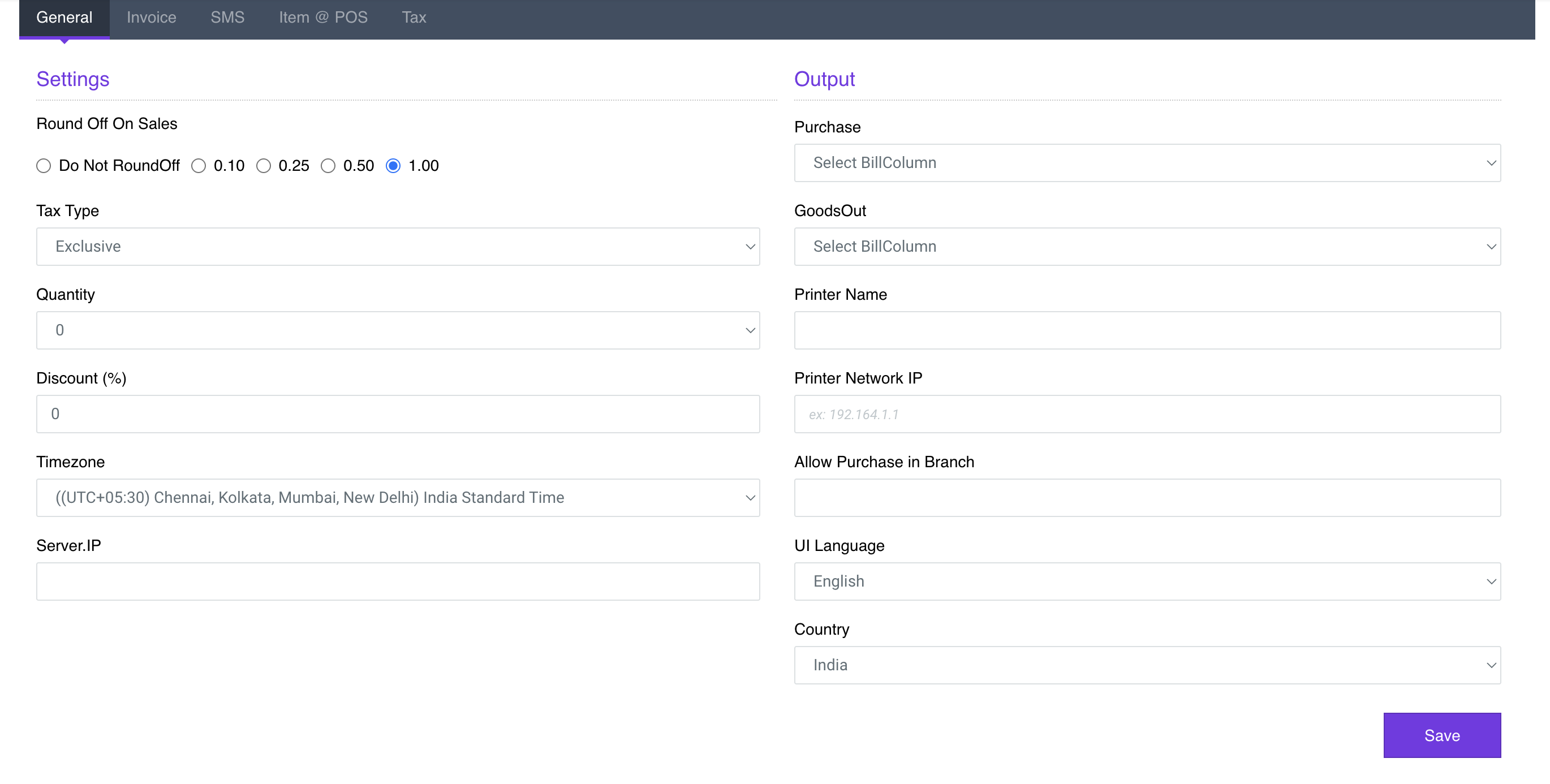
- Settings Profile View
- Tax View
- Tax Group View
- Card View
- Employee View
Enter Product Master Details
Go to https://v1-app.reecost.com and click
on Product.
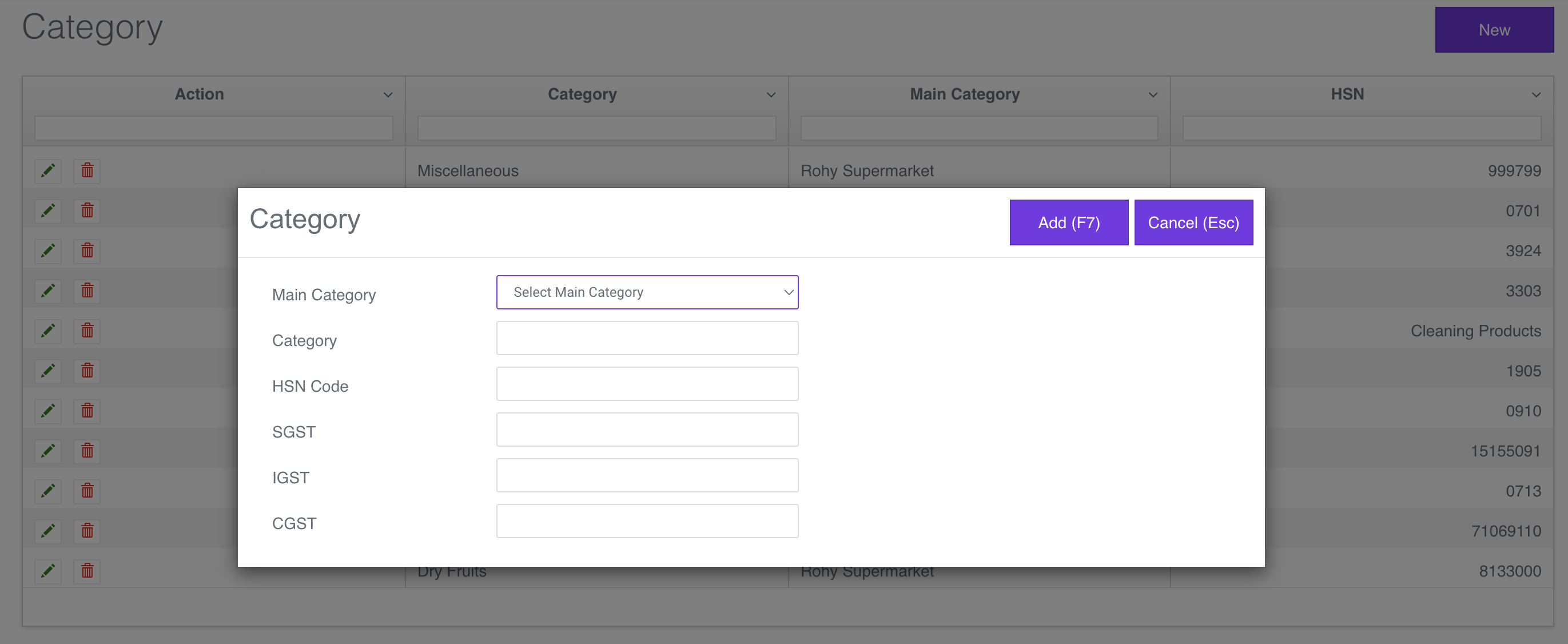
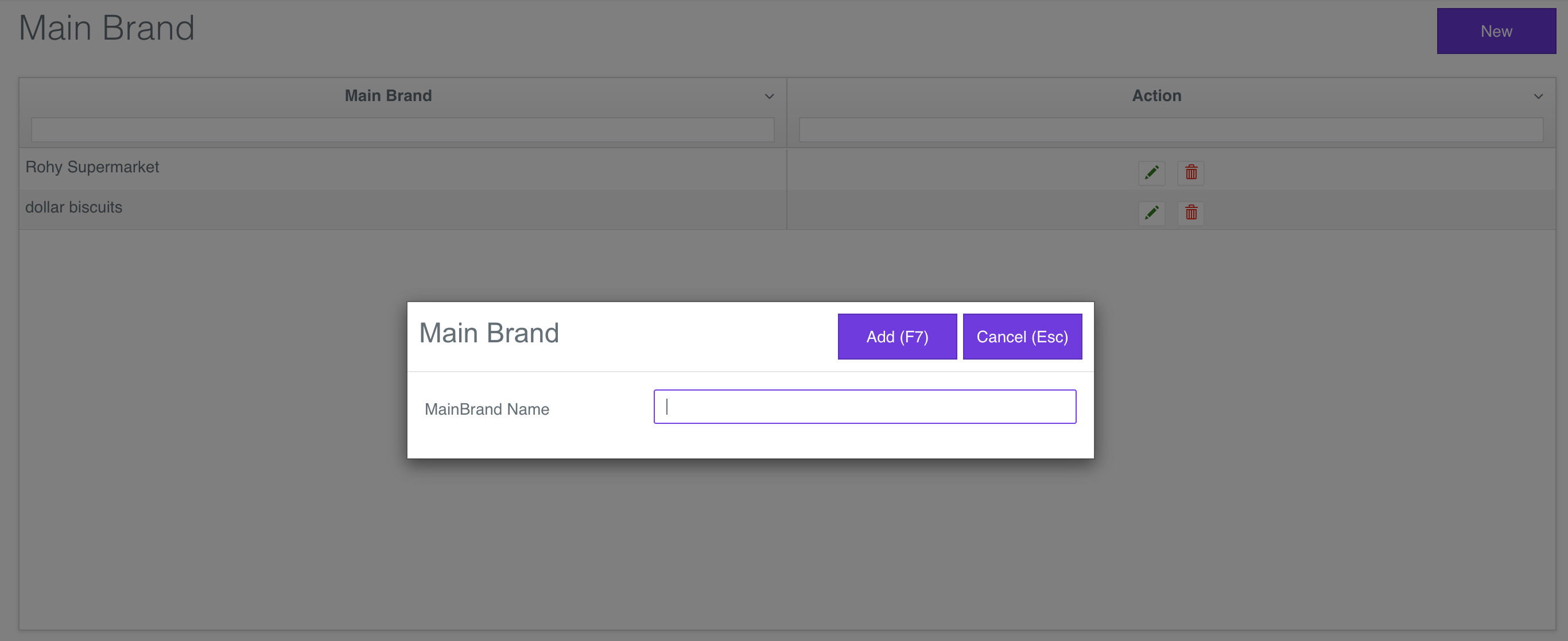
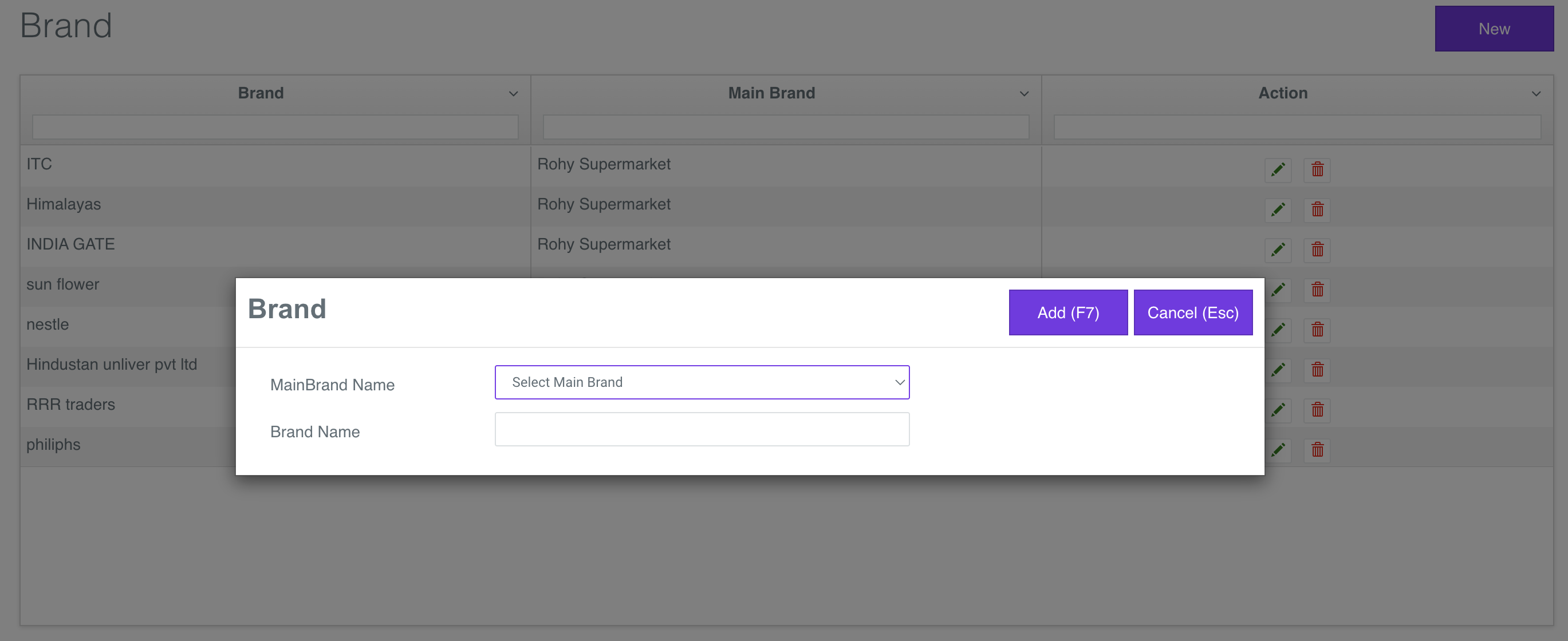
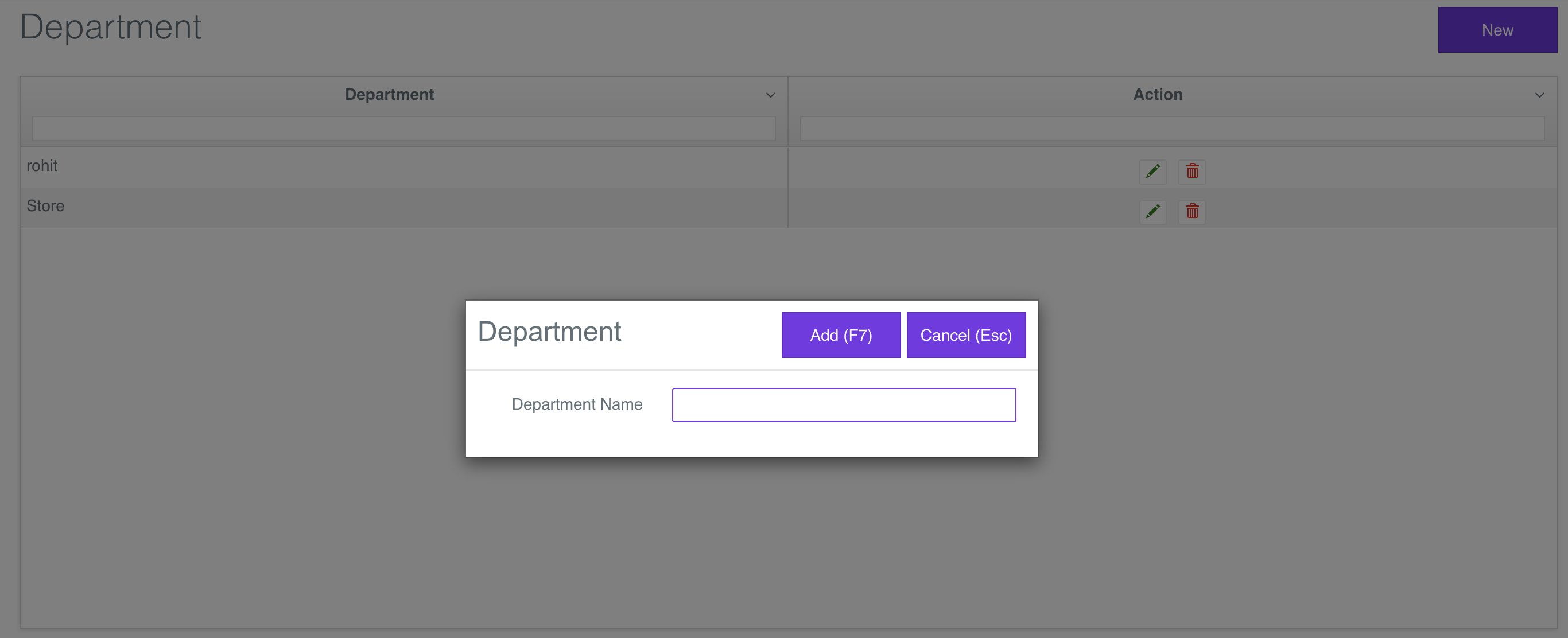
Use the Product Master Details to enter the Maincategory, Category, Mainbrand, Brand, Department and Product.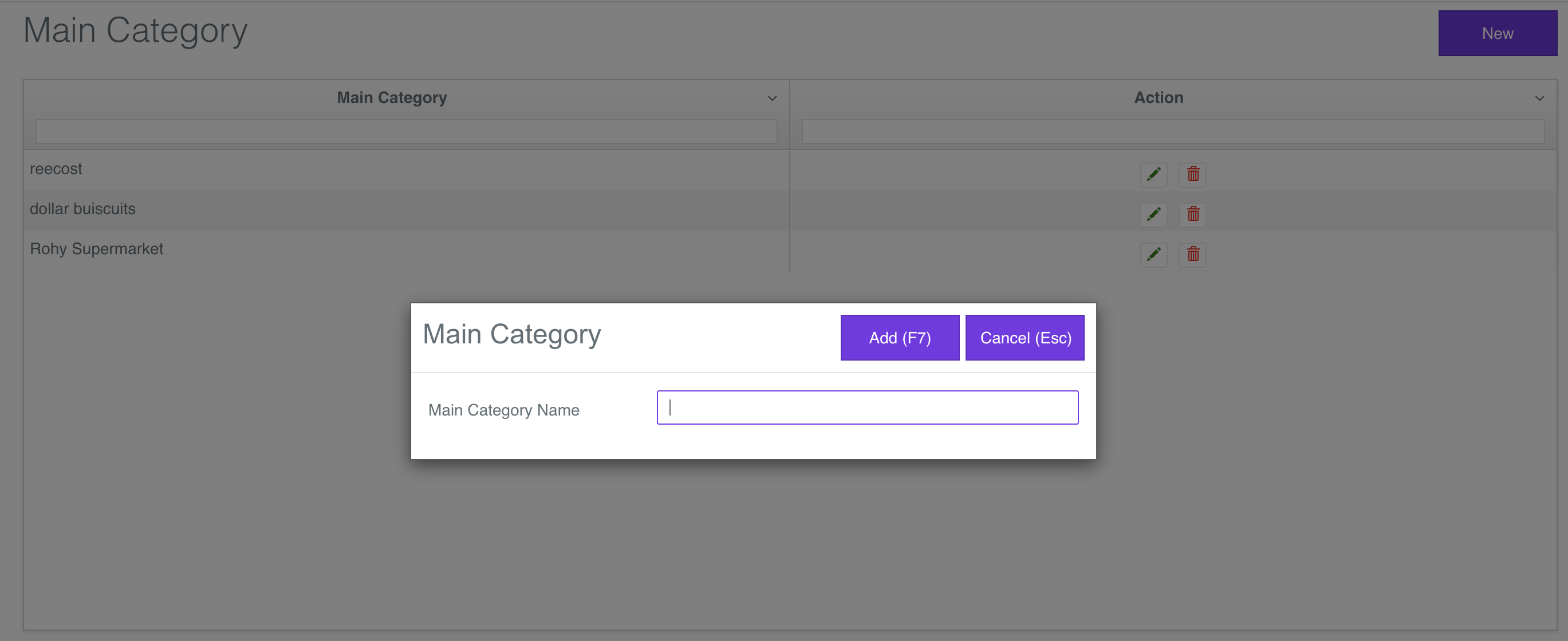
- Maincategory View
- Category View
- Mainbrand View
- Brand View
- Department View
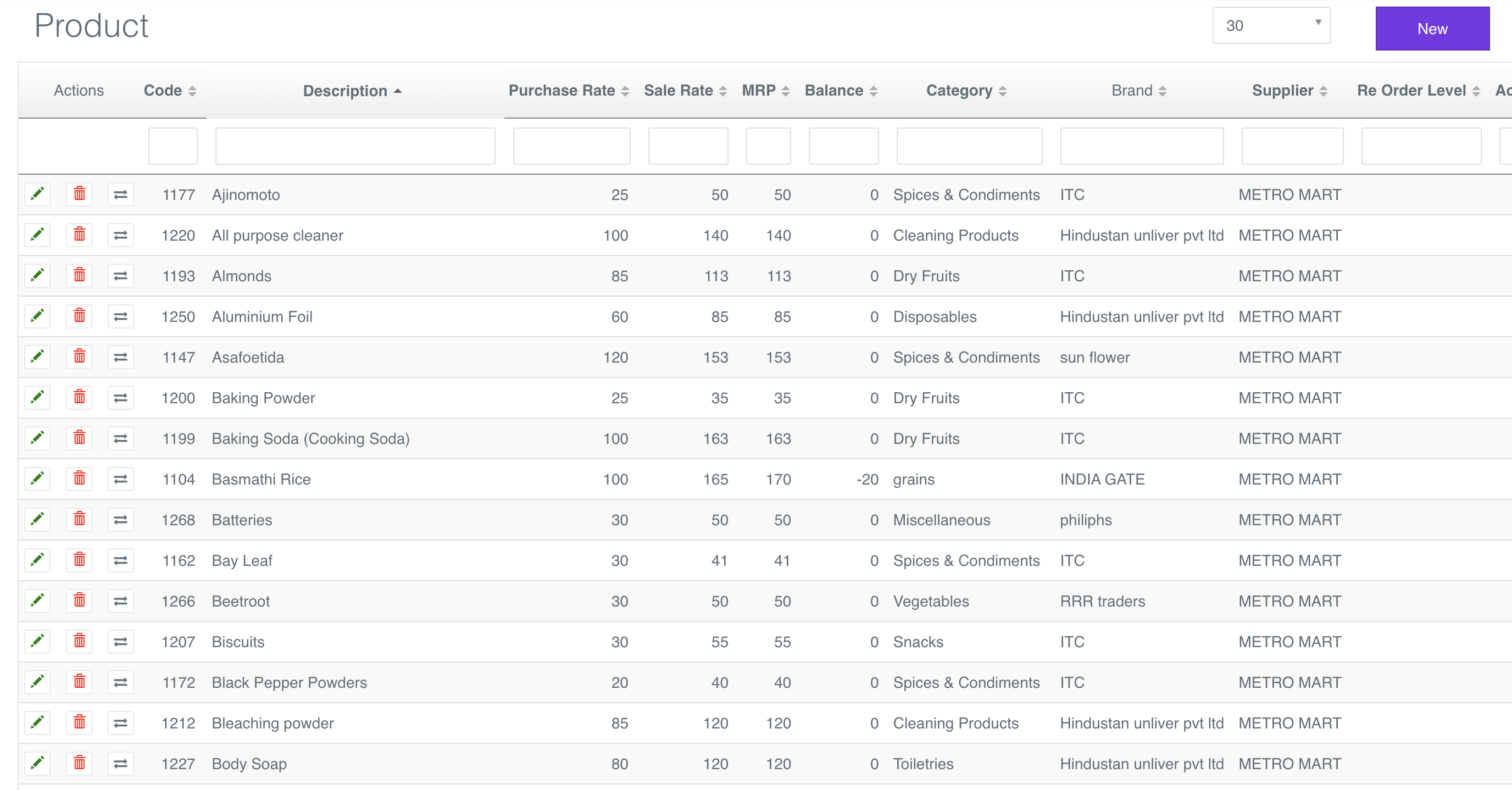
- Product View
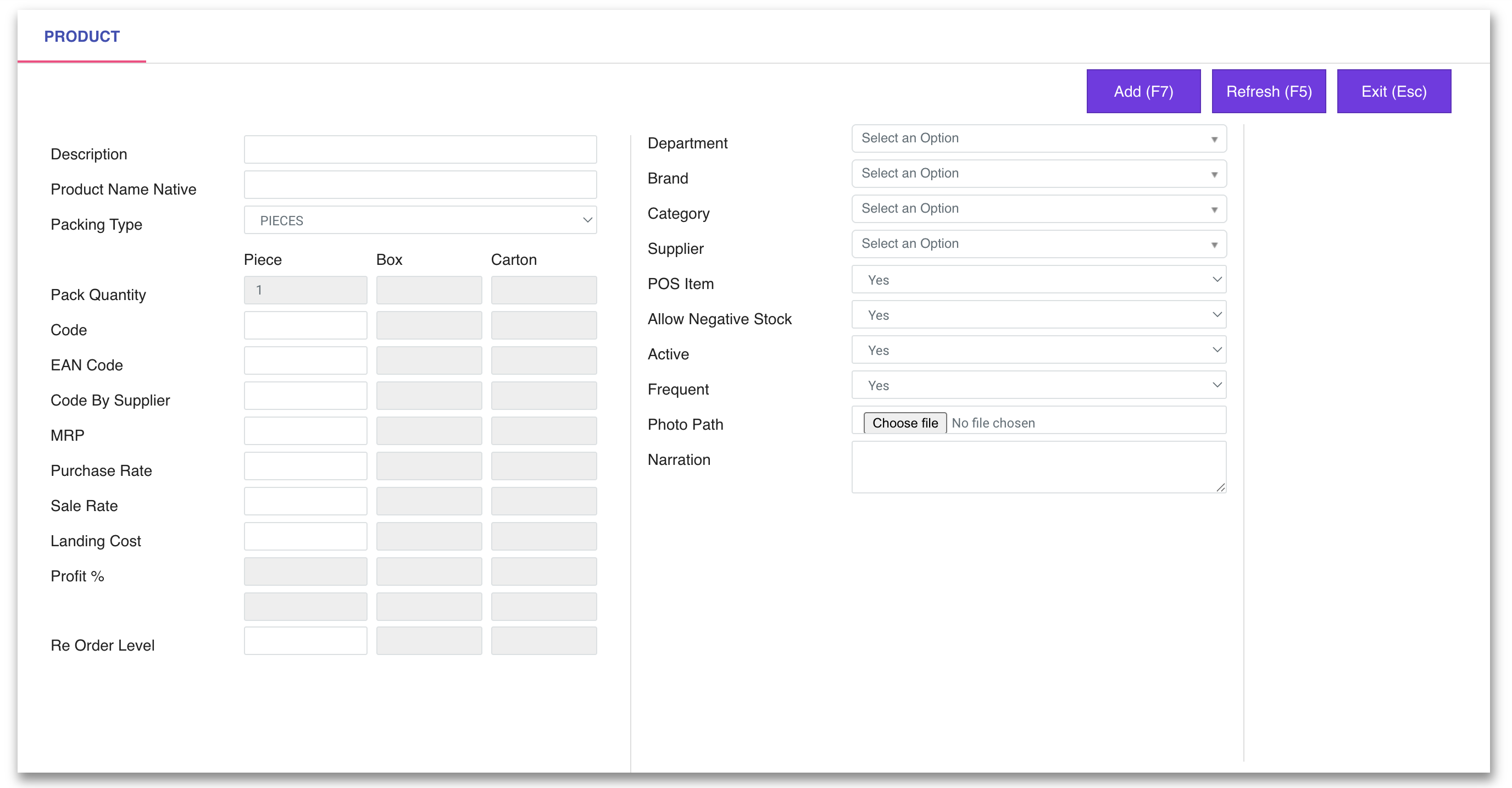
- New Product View
Enter Supplier Master Details
Go to https://v1-app.reecost.com and click
on Supplier.
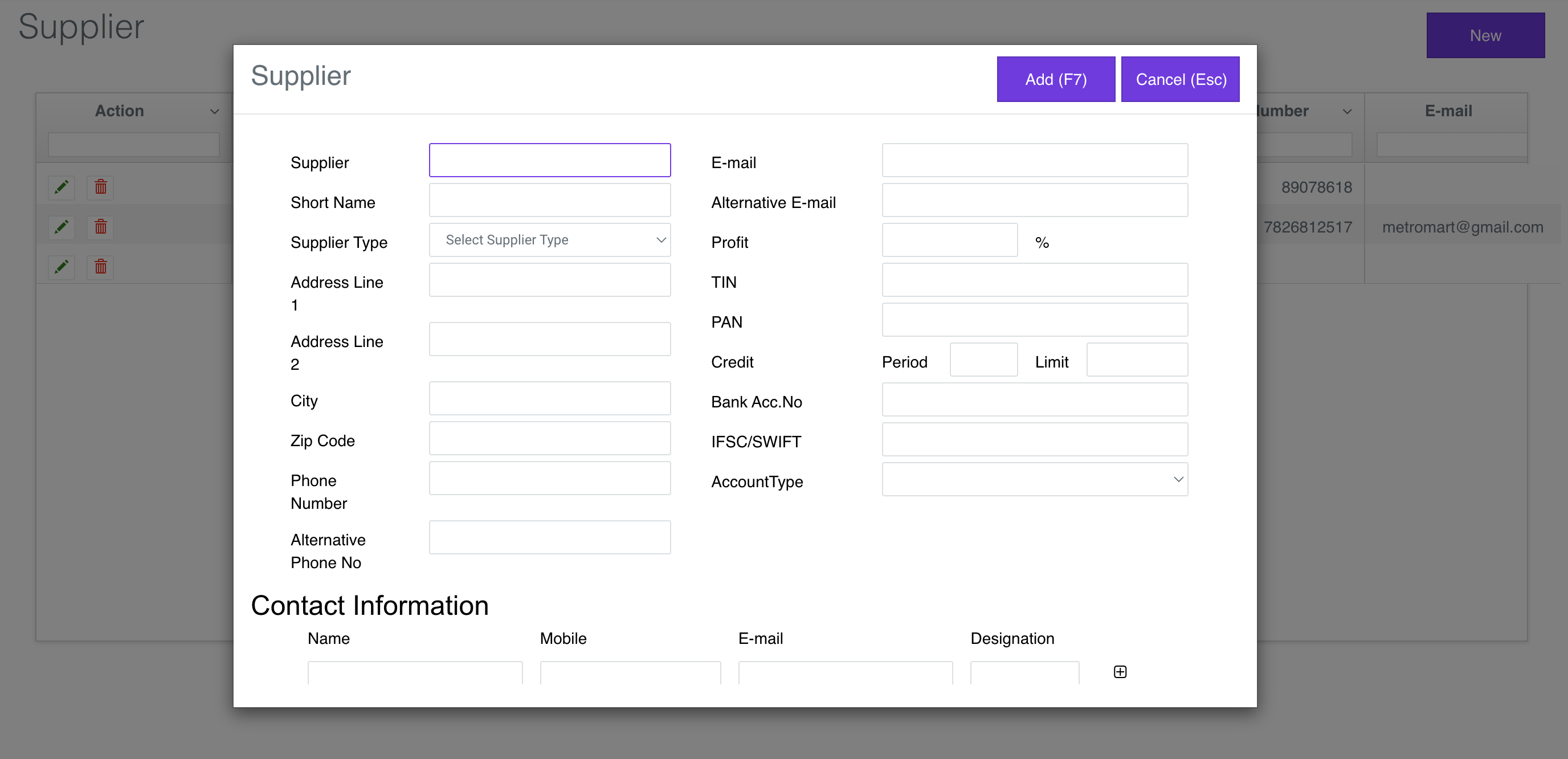
Use the Supplier Master Details to enter the Supplier Details.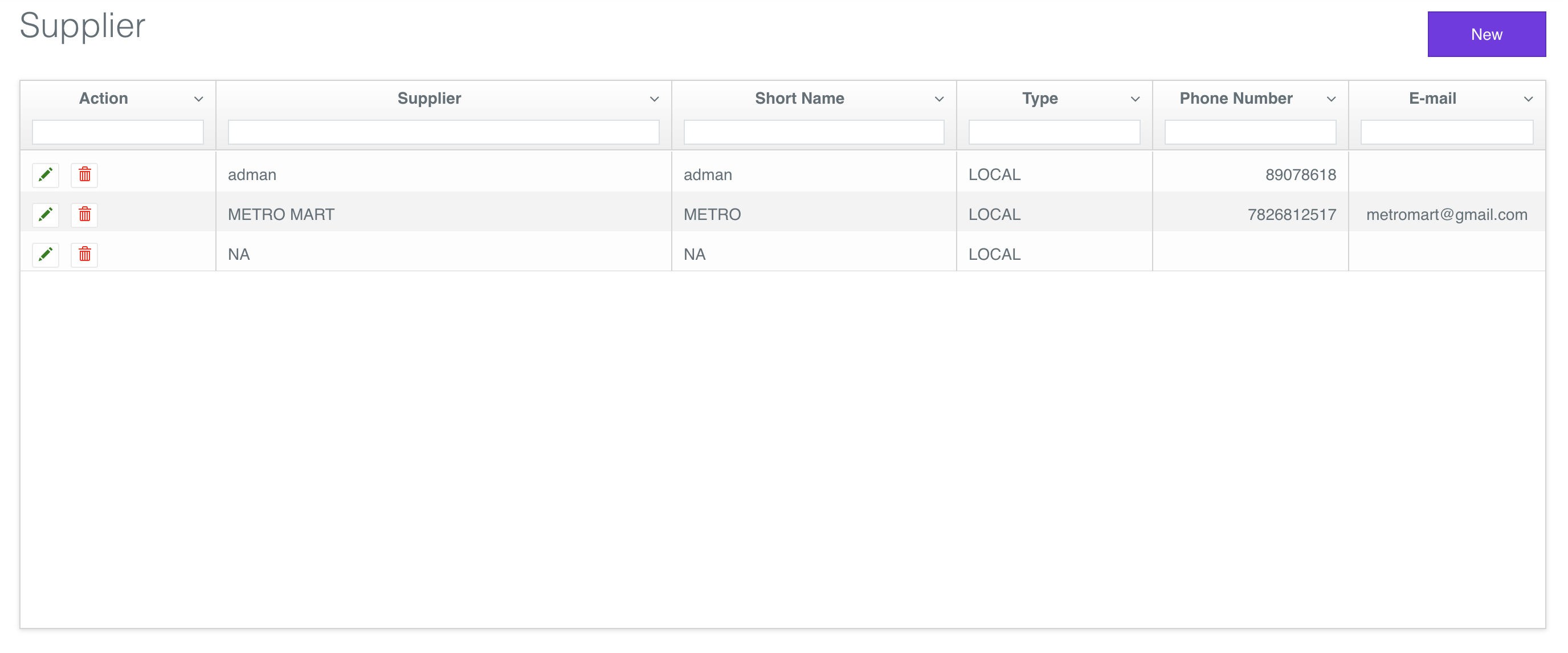
Enter Customer Master Details
Go to https://v1-app.reecost.com and click
on Customer.
Use the Customer Master Details to enter the Customer Details.