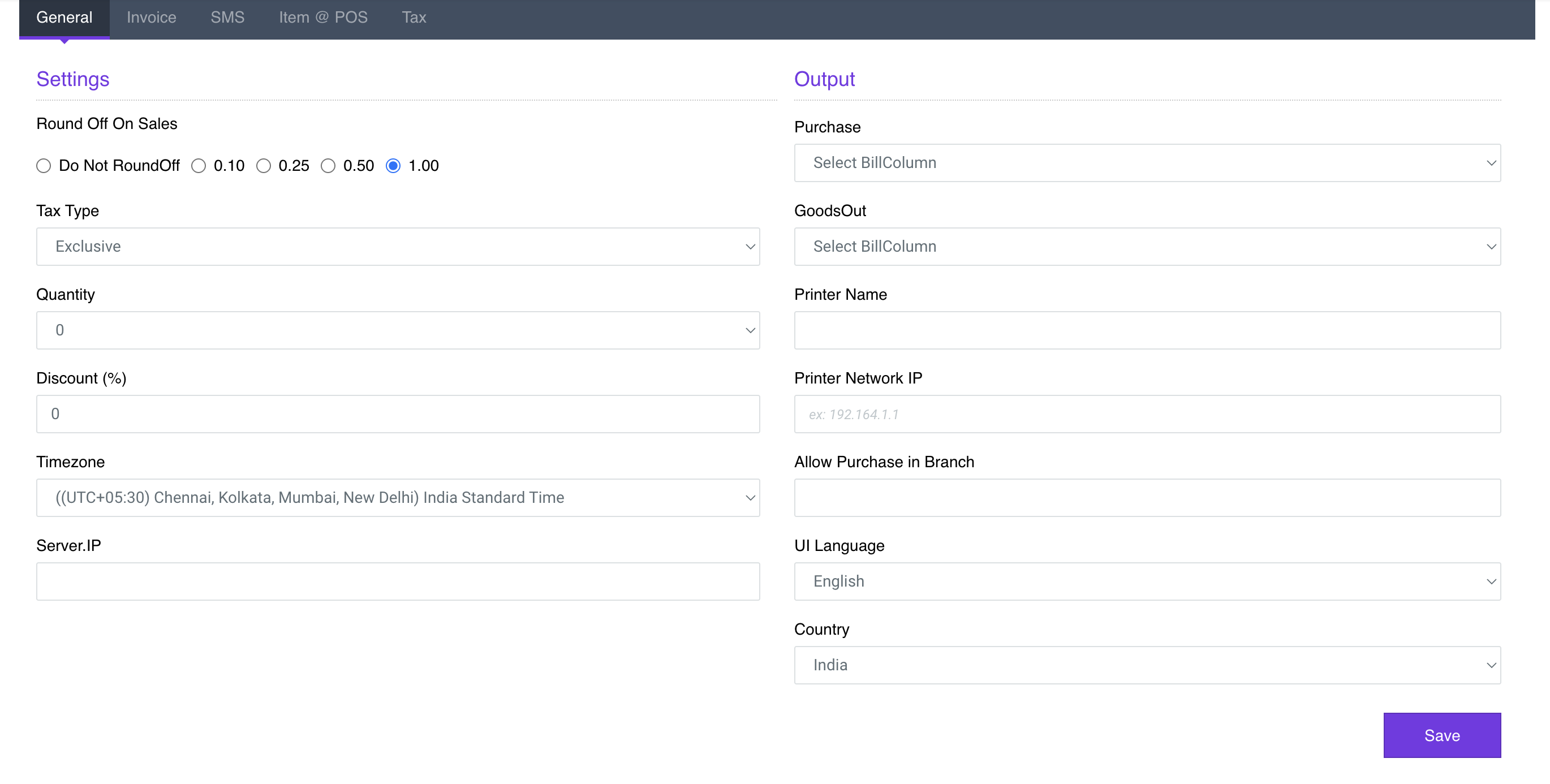
Use Settings Profile View to setup Round Off, Tax Type, POS Quantity, Company Details and Printer configurations
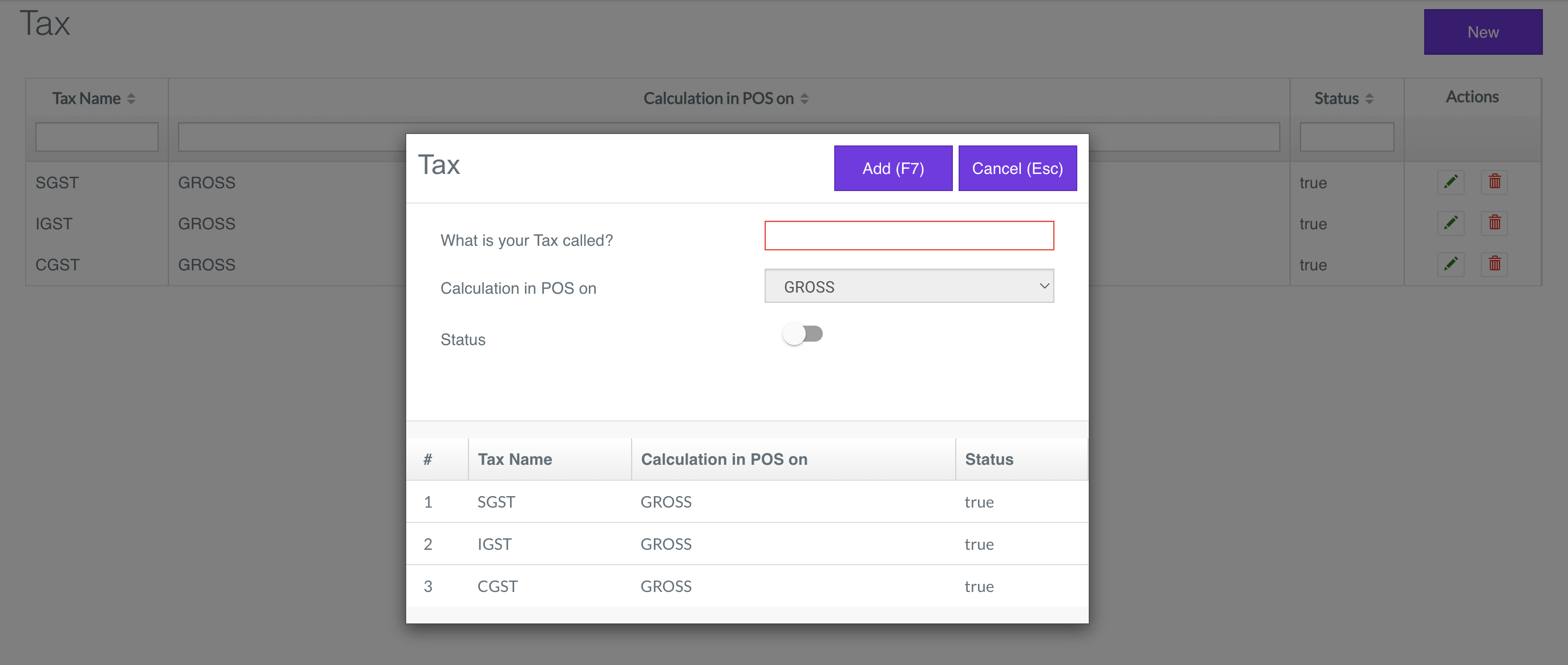
Use Tax View to list the Tax or create a new tax
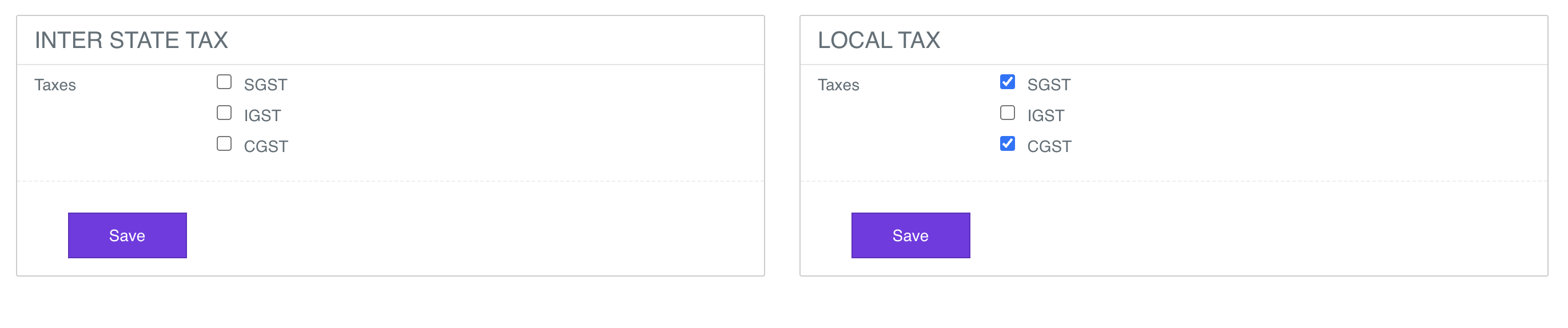
Use Tax Grop View to setup the Tax Group
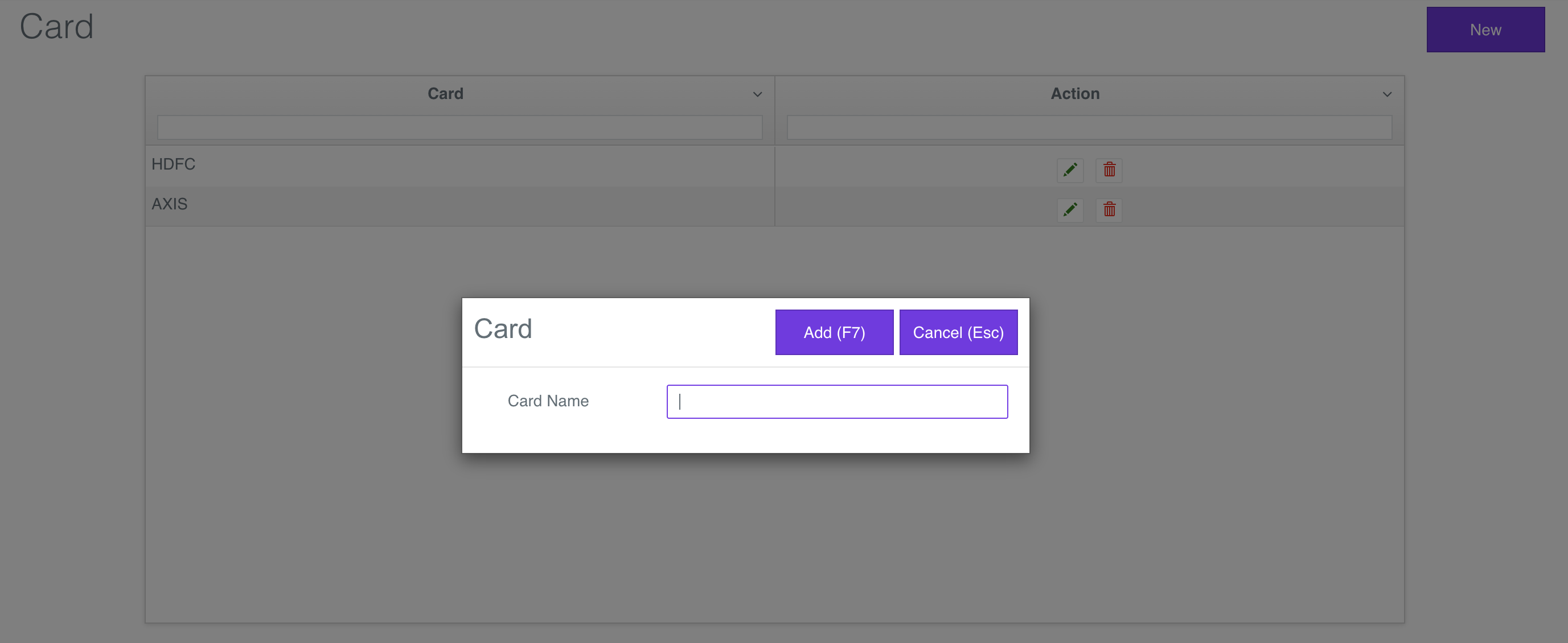
Use Card View to list the Card or create a new Card
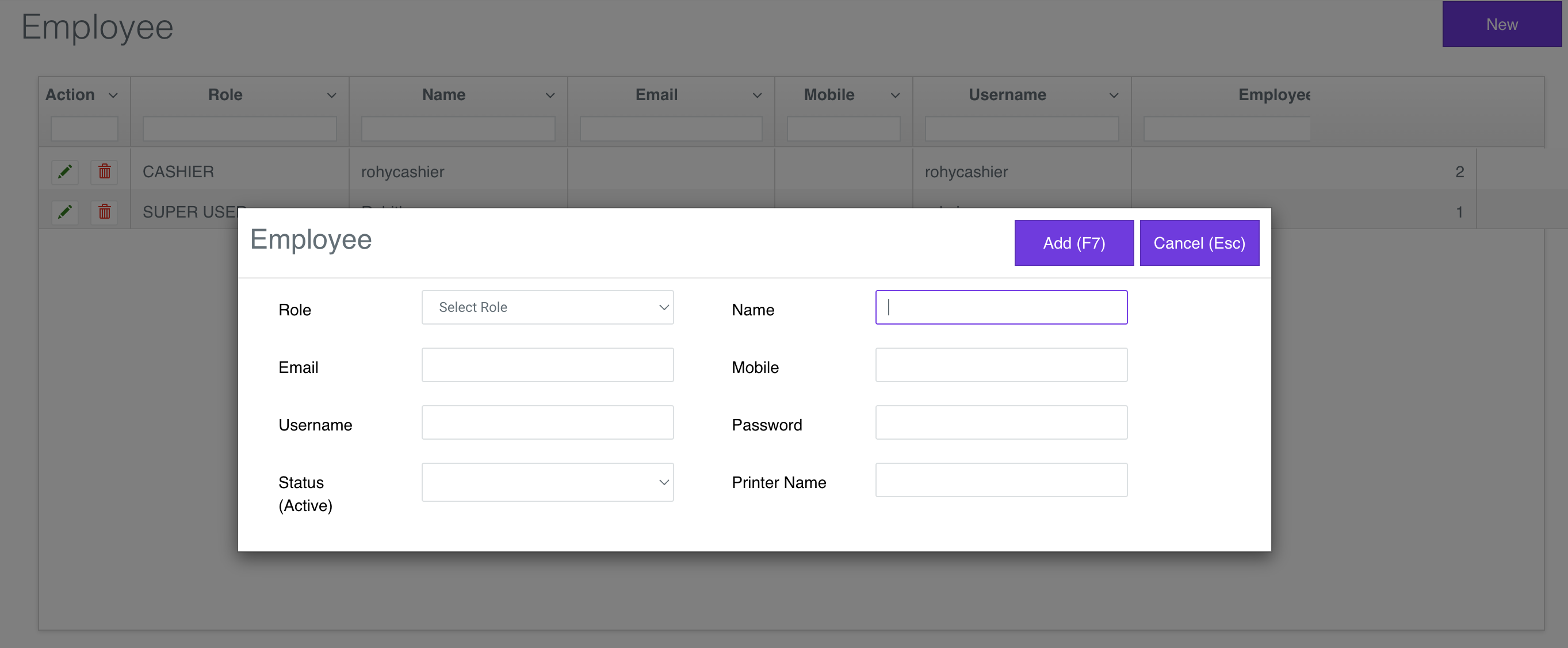
Use Employee View to list the Employee or create a new Employee
2
Enter Product Master Details
Go to https://v1-app.reecost.com and click
on Product.
Use the Product Master Details to enter the Maincategory, Category, Mainbrand, Brand, Department and Product.
Maincategory View
Category View
Mainbrand View
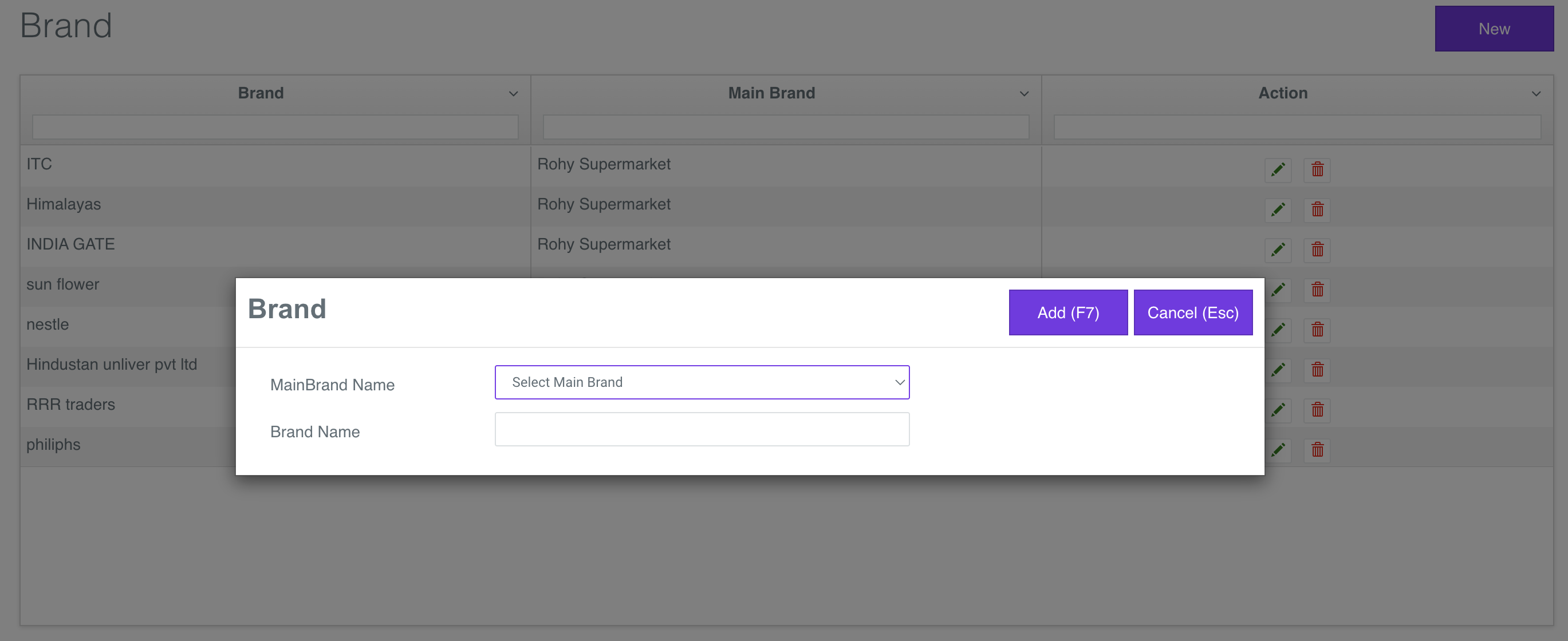
Brand View
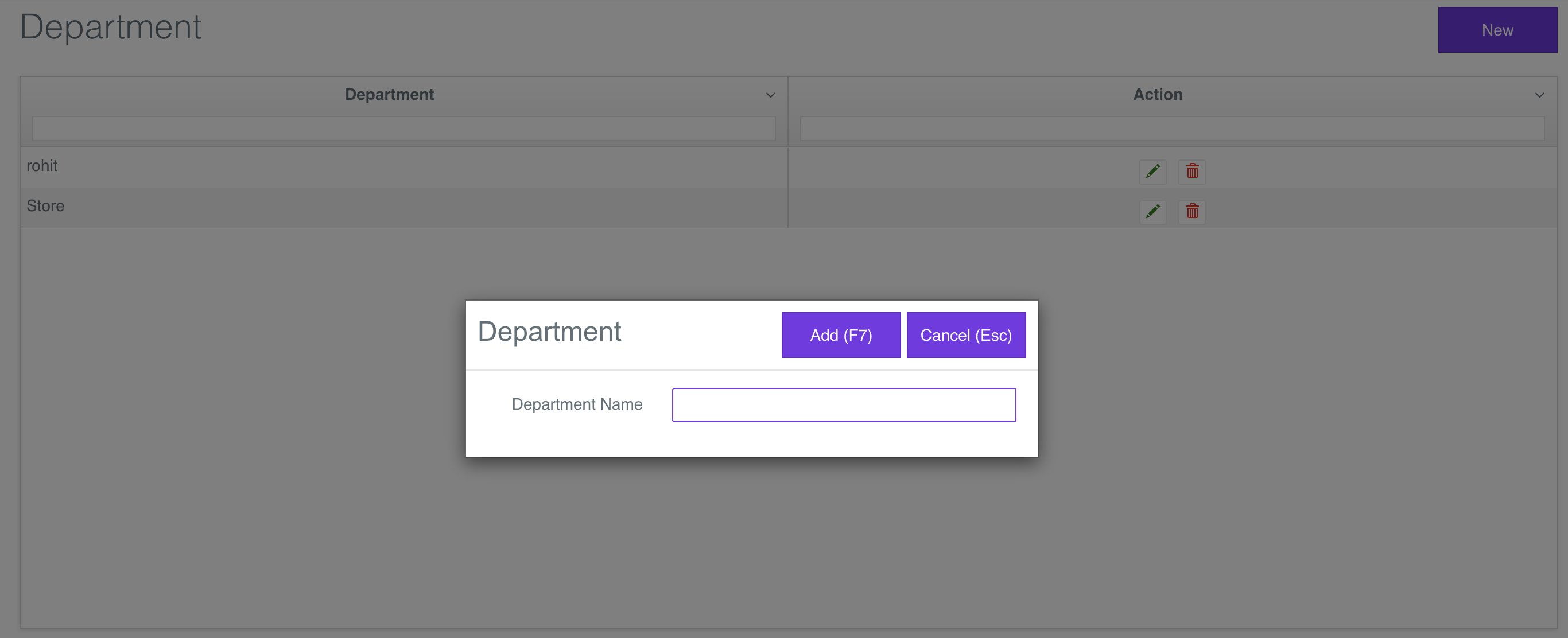
Department View
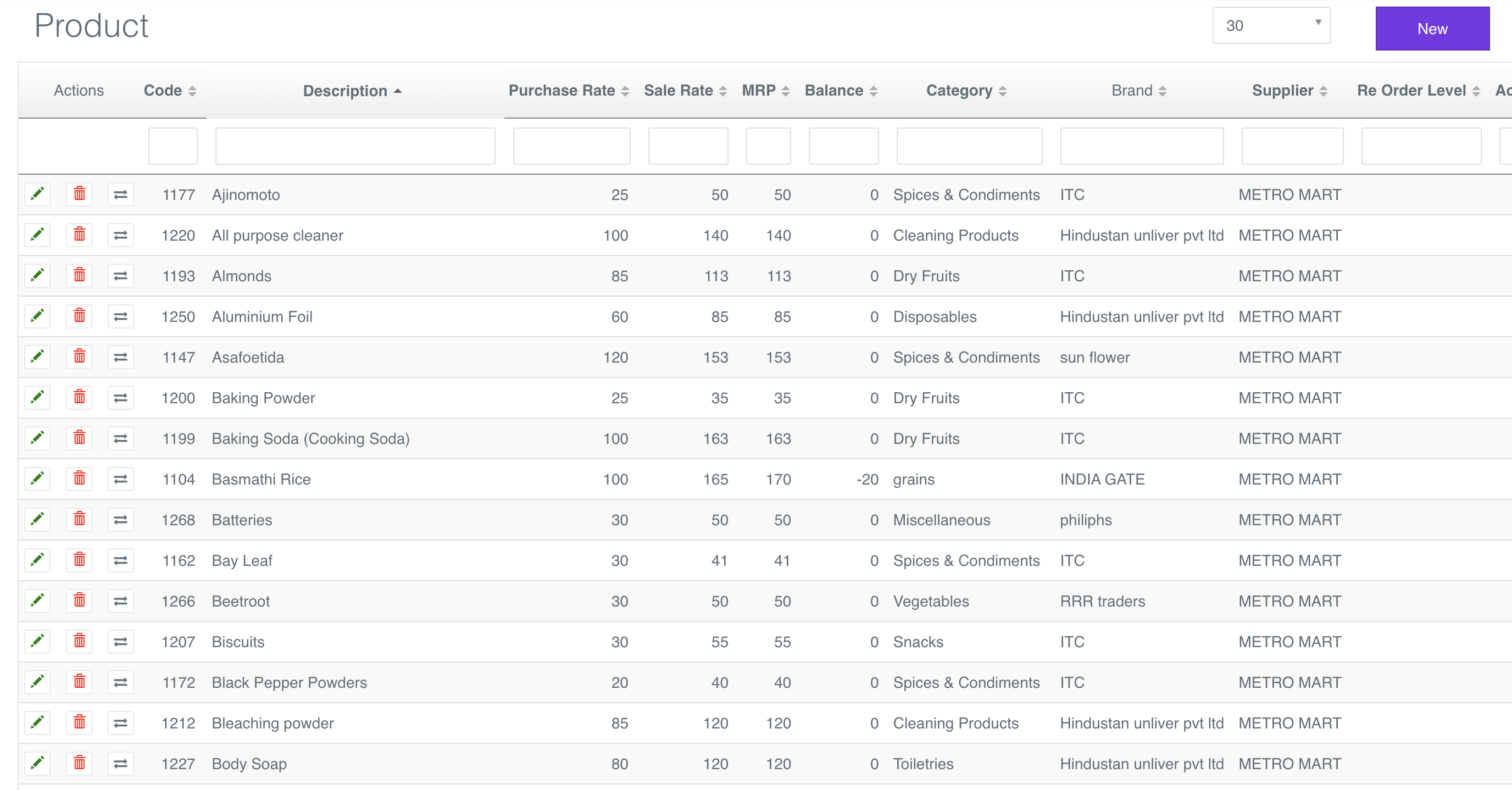
Product View
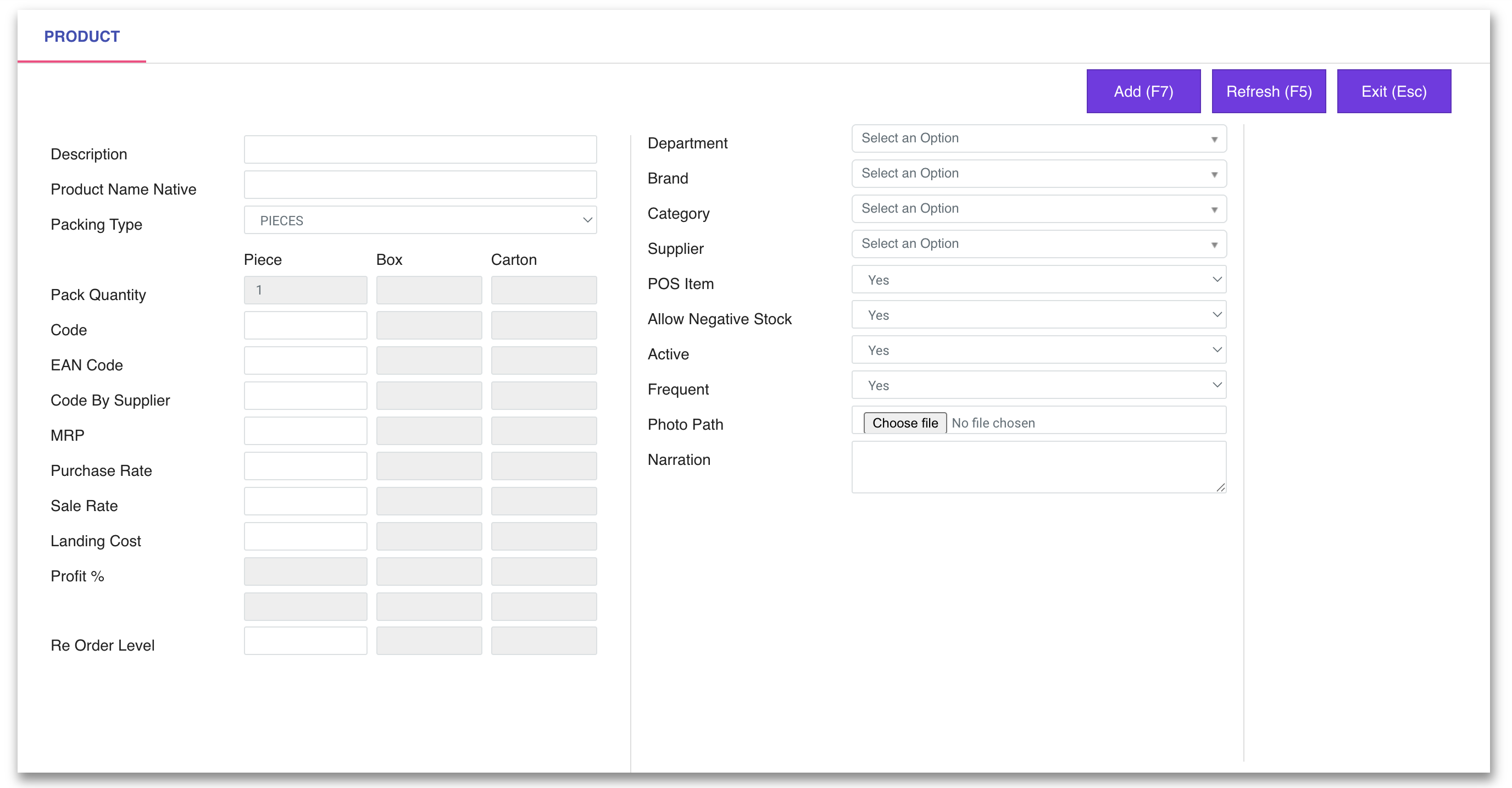
New Product View
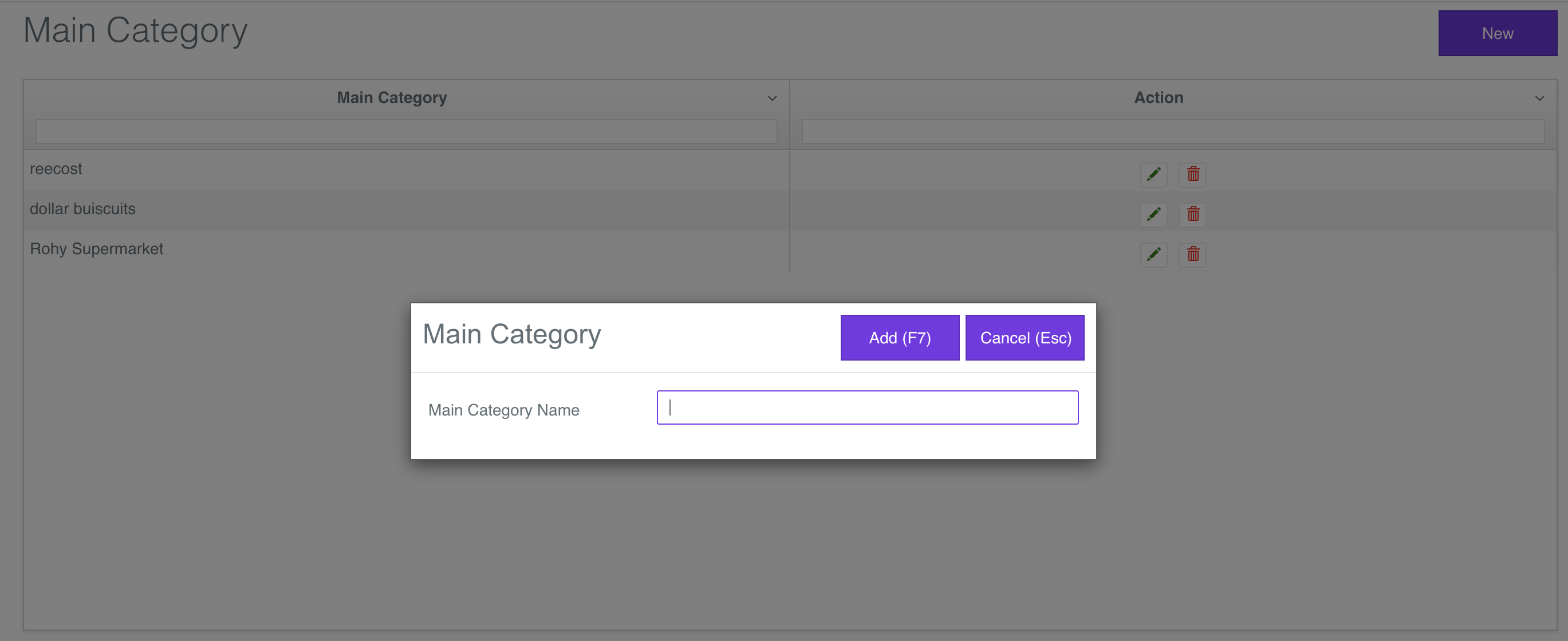
Use Maincategory View to list the maincategory or create a new maincategory
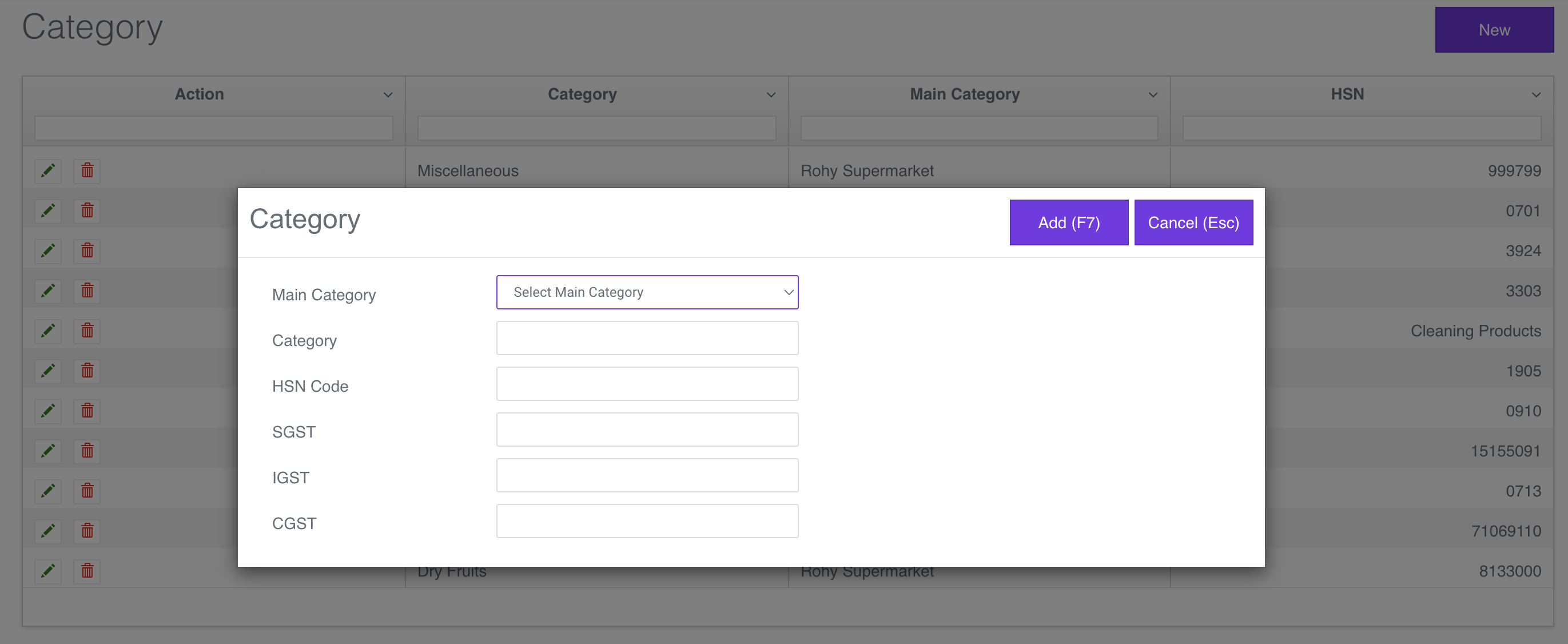
Use Category View to list the Category or create a new Category
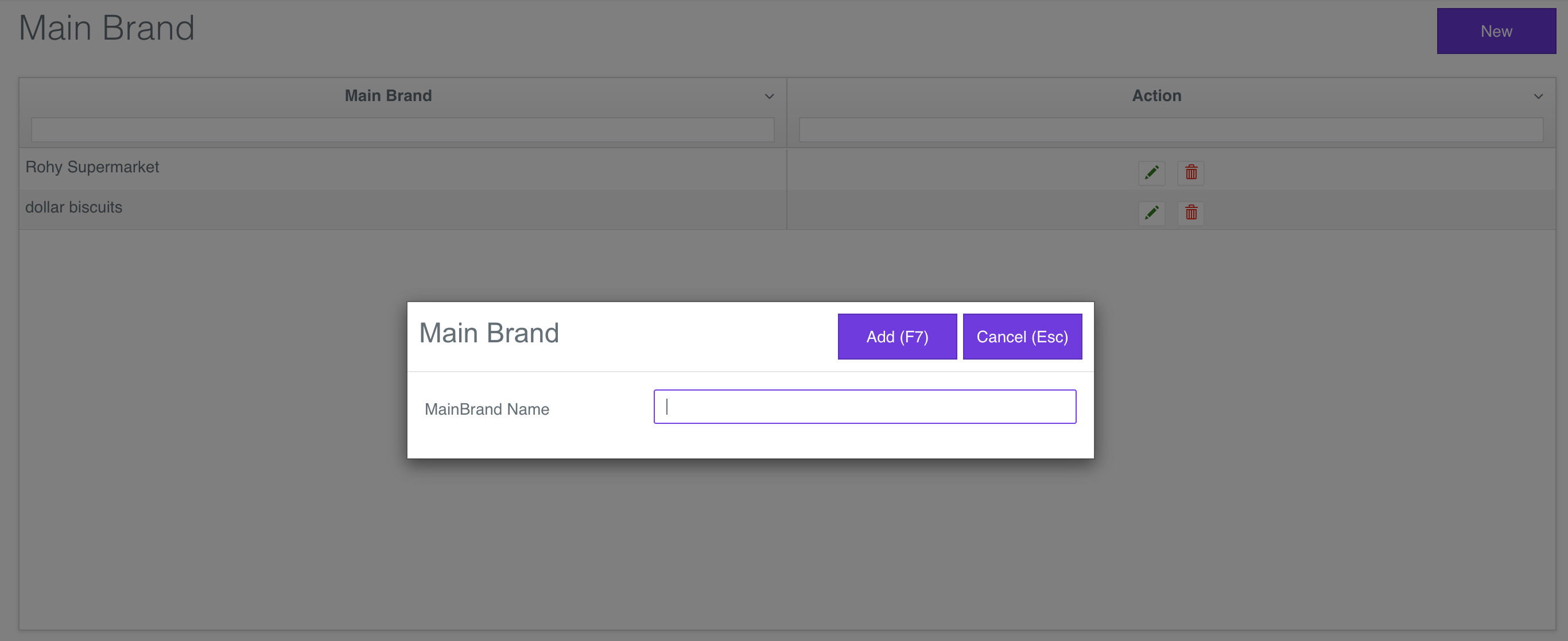
Use Mainbrand View to list the Mainbrand or create a new Mainbrand
Use Brand View to list the Brand or create a new Brand
Use Department View to list the Department or create a new Department