

Go to https://v1-app.reecost.com and click
on New Sale.
1
New Sale View
Click the CRM Customer input box to enter the customer details.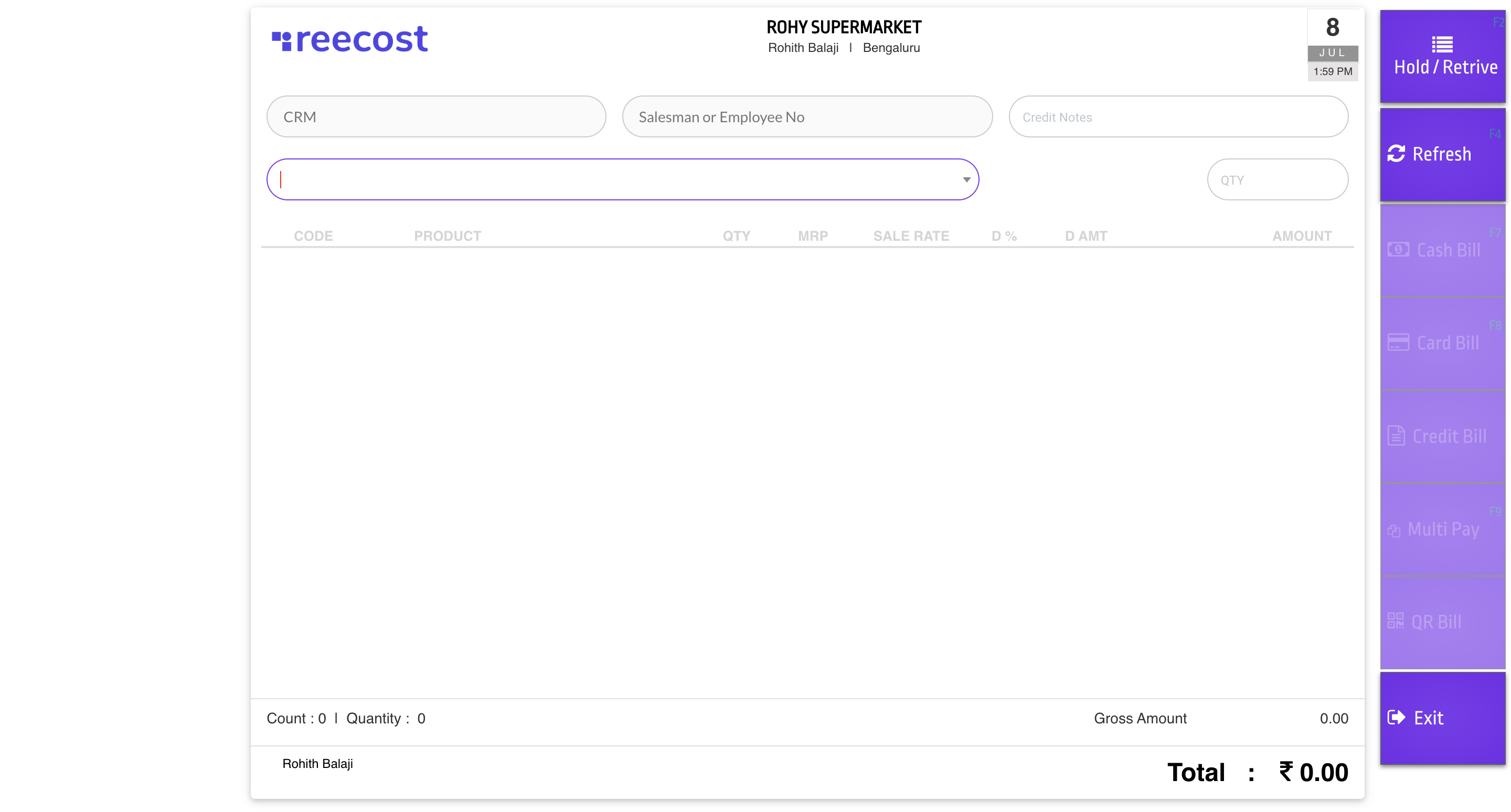
Hint: You can enter the customer mobile number or name
2
Select the product or Scan the product
Click the Product input box to enter the product details as code, name based on the input it will filter.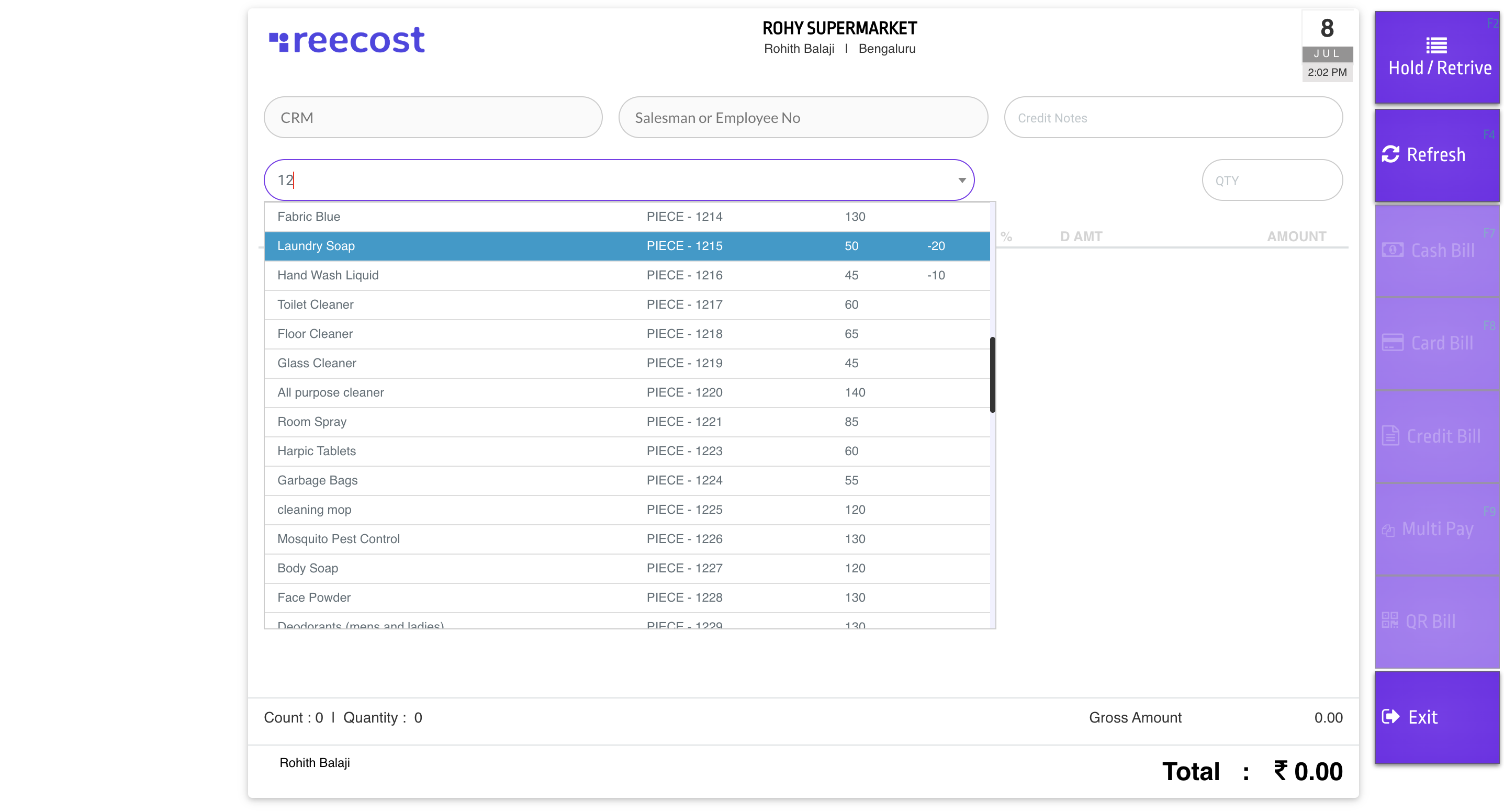
Hint: You can enter the product code or name
3
Sale View
Here you can see all the selected product and Gross Amount, Tax Amount, Round Off and Total Amount of the Sale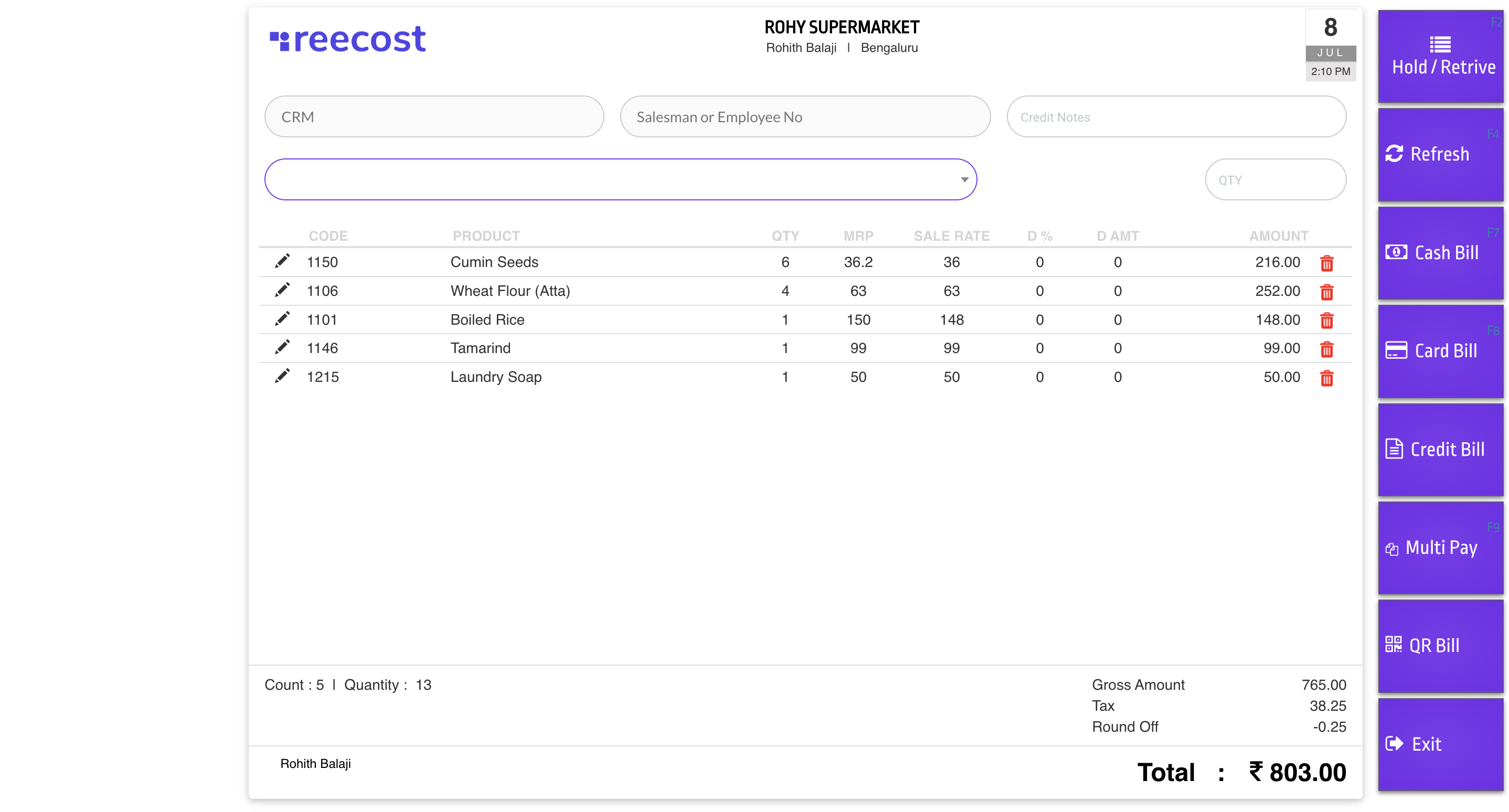
Hint: You can enter the product code or name